
When you hear “affordable point-of-sale system,” it’s easy to look at the price tag. But affordability is about the total cost and the value it brings to your business—not just a low monthly fee. The right system lets you pay only for what you need today, with a path to add more features as you grow. It’s about focusing on long-term value instead of short-term savings.
What Makes a Point of Sale System Affordable
Think about it this way: a cheap POS system can become an expensive problem if it creates headaches, forces you to invent workarounds, or can’t keep up with your business. Affordability is measured by how much a system boosts your efficiency and profitability over time.
For example, a business moving on from older software like QuickBooks POS will see the difference. The hours spent on manual inventory counts or trying to make sense of sales data disappear. That saved time goes back to your bottom line.
Beyond the Price Tag
An affordable system is an investment in the health of your operation. The initial cost is one piece of the puzzle. You have to consider the long-term value it delivers by simplifying your daily tasks and giving you insights into your business.
It’s like buying tools for a workshop. A cheap wrench that strips a bolt or breaks on its first use is more expensive than a quality one that lasts for years. Your POS system works the same way. The right one pays for itself by preventing mistakes and making your workflow smoother. This is true for retailers in specialized industries.
Your POS should be the central hub for your business. Its affordability comes down to how well it handles complex tasks—from inventory to reporting—so you can grow without spending money on things you don’t need.
The Power of a Modular Approach
Many POS systems are built with a modular design. This is a benefit for small businesses. It means you can start with a basic package that covers the essentials, like ringing up sales and processing payments. As your business expands, you can add new modules for things like inventory management, support for multiple locations, or e-commerce integrations.
This pay-as-you-go model is effective because it ensures you’re not paying for a system full of features you’ll never touch. It gives you a scalable path forward that lines up with your budget and your growth.
- Start Lean: Kick things off with just the core features to keep initial costs down.
- Scale Smart: Only add new functions when you have a need for them.
- Avoid Waste: Never get stuck paying for a suite of irrelevant tools.
This flexibility is what makes a system affordable over its lifespan.
Hardware and Integration Costs
Another factor in your total cost is hardware. Some POS providers lock you into their own proprietary devices, forcing you into a purchase from the start. An affordable solution works with a range of common devices.
It’s worth it to check a vendor’s hardware compatibility to see if you can repurpose any of your current equipment. This can save you money upfront. It also gives you the freedom to source hardware from different suppliers, putting you in control of your budget and helping you avoid getting locked into a single vendor’s ecosystem.
Navigating POS Pricing Models and Hidden Fees
Choosing an affordable point-of-sale system means looking beyond the sticker price. The pricing model you choose dictates your total cost over time. Some systems bundle everything into one package, while others have separate charges that can add up.
You’ll generally run into two models. The first is a monthly subscription, often called Software as a Service (SaaS). The other is a one-time license fee, which you’ll see with older, on-premise systems. Each one impacts your budget and long-term costs in different ways.
Understanding Subscription and License Models
The SaaS model is direct: you pay a recurring monthly or annual fee for access to the software. This approach usually includes customer support and regular updates, keeping your system current. It gives you predictable costs and a lower barrier to entry, which is why it’s a go-to for new businesses.
A one-time license fee means you buy the software outright with a single payment. While this gets rid of monthly software bills, it can open the door to other expenses. Things like updates, support, and maintenance often come with separate annual contracts or one-off payments, making your budget less predictable.
As you can see, a business focused on simple transactions will follow a different path than one needing robust inventory tools. That difference is a factor in which pricing model will be the most cost-effective for you.
Uncovering Potential Hidden Fees
The advertised price is rarely what you pay. A handful of fees can inflate the total expense of a POS system, turning what looked like a bargain into a financial headache. Knowing what to look for is the key to creating a budget that holds up.
Here are the suspects when it comes to hidden costs:
- Payment Processing Fees: Nearly every POS provider takes a cut of each transaction. These rates can be all over the map, and some systems lock you into their own payment processor, which might not give you the best deal.
- Hardware Leasing or Purchase: While some systems run on an iPad you already own, others demand proprietary hardware. These costs, whether you buy them outright or lease them monthly, add up.
- Customer Support Charges: Don’t assume technical support is included. Some vendors charge extra for priority service or after-hours help, which can be a problem when something breaks during your busiest hours.
- Per-Register or Per-Location Fees: As your business grows, your costs can climb. Many providers tack on extra monthly fees for every new terminal or location you add.
An affordable point of sale system is transparent. The initial quote should reflect the total cost of ownership, not just an introductory price designed to hide future expenses.
This market isn’t slowing down. The POS terminals market was valued at USD 110 billion in 2024 and is projected to hit USD 185 billion by 2032. While traditional fixed terminals are still everywhere, mobile POS (mPOS) systems are gaining ground with small and medium-sized businesses, often costing 50-70% less than legacy systems while offering more flexibility. You can dive deeper by exploring the full POS terminals market report.
Comparing Pricing Models Side by Side
To find a system that will stay affordable, it helps to put the options next to each other. The table below breaks down the common POS pricing structures, highlighting where unexpected costs might be hiding.
Comparison of POS Pricing Models
| Pricing Model | Best For | Common Fee Structure | Potential Hidden Costs |
|---|---|---|---|
| Monthly Subscription (SaaS) | Businesses wanting predictable costs and included updates. | A flat monthly fee per register or location. | Extra charges for premium support, add-on features, or exceeding transaction limits. |
| One-Time License Fee | Businesses that prefer a large upfront investment to avoid monthly software bills. | A single, large payment for the software license. | Fees for software updates, ongoing technical support, and hardware replacement. |
| “Free” POS Software | Startups or small businesses with basic needs and low transaction volume. | No monthly software fee, but mandatory use of their payment processor. | Higher-than-average payment processing rates, hardware purchase requirements. |
The best model depends on your business’s cash flow, growth plans, and tolerance for unpredictable expenses. Take the time to ask vendors questions about every potential fee before you sign.
Core POS Features That Drive Retail Efficiency
An affordable point of sale system should do more than ring up sales. Think of it as the command center for your retail operation. The right features will simplify your day-to-day tasks, cut down on manual entry, and give you the data you need to make business decisions. When you focus on the core functionalities, you’re investing in tools that boost your bottom line.
A step in finding an affordable system is separating the “must-haves” from the “nice-to-haves.” For any small or medium-sized retailer, the essential tools are the ones that save time, improve accuracy, and protect your cash flow. These are the building blocks for efficiency.
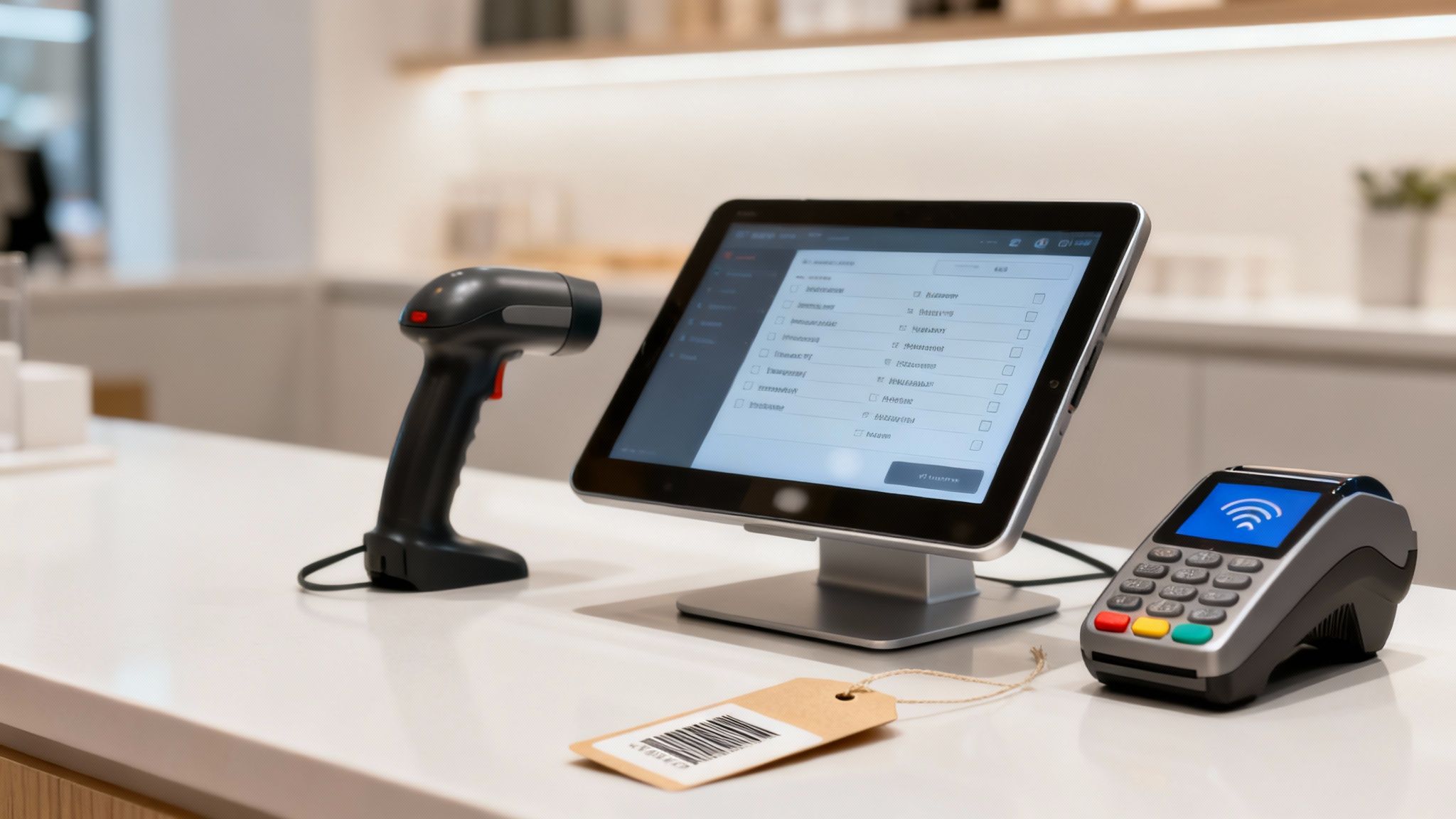
Must-Have One: Inventory Management
Your inventory is the lifeblood of your business, and trying to manage it by hand is asking for errors. That’s why inventory management is a non-negotiable feature. It replaces guesswork with a data-driven process, so you always know what you have, where it is, and when it’s time to reorder.
Think of your POS as an air traffic controller for your products. Every time an item is sold, returned, or received from a supplier, the system updates your stock levels in real-time. This visibility keeps you from running out of popular items and stops you from tying up cash in products that aren’t moving.
A strong inventory module should include:
- Barcode Scanning: This tool makes checkout a breeze and cuts down on human error. It also speeds up receiving shipments and makes physical stock counts more accurate.
- Purchase Order Tools: You should be able to create, send, and track orders to your suppliers right from the POS. This keeps your ordering process organized and gives you a record of what’s on the way.
Inventory management gives you a look at your business’s health. You can take a deeper dive into how POS software streamlines inventory management to see the full impact.
Must-Have Two: Integrated Payment Processing
Another must-have is integrated payment processing. This means your payment terminal “talks” directly to your POS software, so your employees don’t have to manually punch in transaction totals. It sounds simple, but this connection has an impact on your daily operations.
By automating this step, you slash the risk of mistakes, like keying in the wrong amount for a customer. It also makes checkout faster, which is a big deal for customer experience, especially during busy hours. A system with integrated payments also puts all your sales and payment data into a single report, making your end-of-day reconciliation easier.
An affordable point of sale system with integrated payments is a safeguard against retail errors. It protects your revenue by ensuring accuracy with every transaction and saves time during closing procedures.
The market for this tech is growing fast. Valued at USD 25.6 billion in 2023, the global retail POS market is projected to hit USD 47.2 billion by 2032. For small businesses like pet stores or fireworks outlets, cloud-based systems that sync inventory and automate sales can cut manual errors by 40-50%. You can discover more insights on the retail POS market to see what trends are pushing this growth.
Must-Have Three: Customer Relationship Management
Finally, a built-in Customer Relationship Management (CRM) tool is essential for building a loyal customer base. At its core, a CRM lets you create customer profiles and track what they buy. For any retailer, this information is valuable.
With a CRM, you can see who your best customers are, what they like to buy, and how often they shop with you. This data allows you to create promotions or loyalty rewards that keep them coming back. It also makes handling returns or exchanges a snap, since you can pull up a customer’s transaction history in seconds. An affordable POS system should give you these CRM tools to help you grow your business through relationships, not just one-off transactions.
Meeting the Demands of Niche Retail Operations
A one-size-fits-all tool rarely gets the job done, and the same goes for point of sale systems. While many affordable POS systems can handle a basic sale, they often buckle under the demands of niche retail operations. Instead of solving problems, they end up creating headaches.
For specialized retailers—like beer distributors, fireworks stores, and pet suppliers—a generic POS is a source of friction. It forces staff into manual workarounds that eat up time and invite errors. A system built for their industry understands these needs from day one.
Beer Distributors and Multi-Level Inventory
Beer distributors have a tricky inventory puzzle. A single beer can exist as a keg, a case, a 12-pack, a 6-pack, and a single bottle. To a standard POS, that looks like five separate items, which turns inventory tracking into a nightmare.
Sell one bottle, and a generic system has no idea it came from a 6-pack. This forces your team to manually adjust counts, a process that’s slow and inaccurate. The right POS for a beer distributor understands this “parent-child” inventory relationship.
A specialized system lets you:
- Break down cases: When a case is opened to stock the cooler, the system automatically adds the right number of packs or singles back into your inventory.
- Track deposits: It manages keg deposits and returns, a critical function that generic software can’t handle.
- Maintain accurate counts: Selling a single bottle correctly depletes the quantity from its parent case, giving you a real-time, accurate picture of what’s on hand.
This isn’t just about convenience; it prevents stock discrepancies and ensures your ordering is based on data, not guesswork.
Fireworks Stores and Seasonal Transaction Speed
Fireworks retailers live and die by a high-pressure, seasonal rush. Their year can come down to how many transactions they can process quickly and accurately during a short sales window. Any lag at the checkout line means lost sales and unhappy customers walking away.
A standard POS can get bogged down or crash under the strain of rapid sales. For these businesses, transaction speed isn’t a “nice-to-have”—it’s everything. An affordable POS system built for this niche is engineered for one thing: rapid checkout.
For a seasonal business like a fireworks outlet, every second counts. The POS must be a high-performance engine capable of managing peak demand without faltering, ensuring every potential sale is captured before the holiday ends.
These systems often include features like offline modes that keep the line moving even if the internet gets shaky. They also have simple, intuitive interfaces that let seasonal staff get up to speed with almost no training—a must-have when your workforce is temporary.
Pet Stores and Product Variations
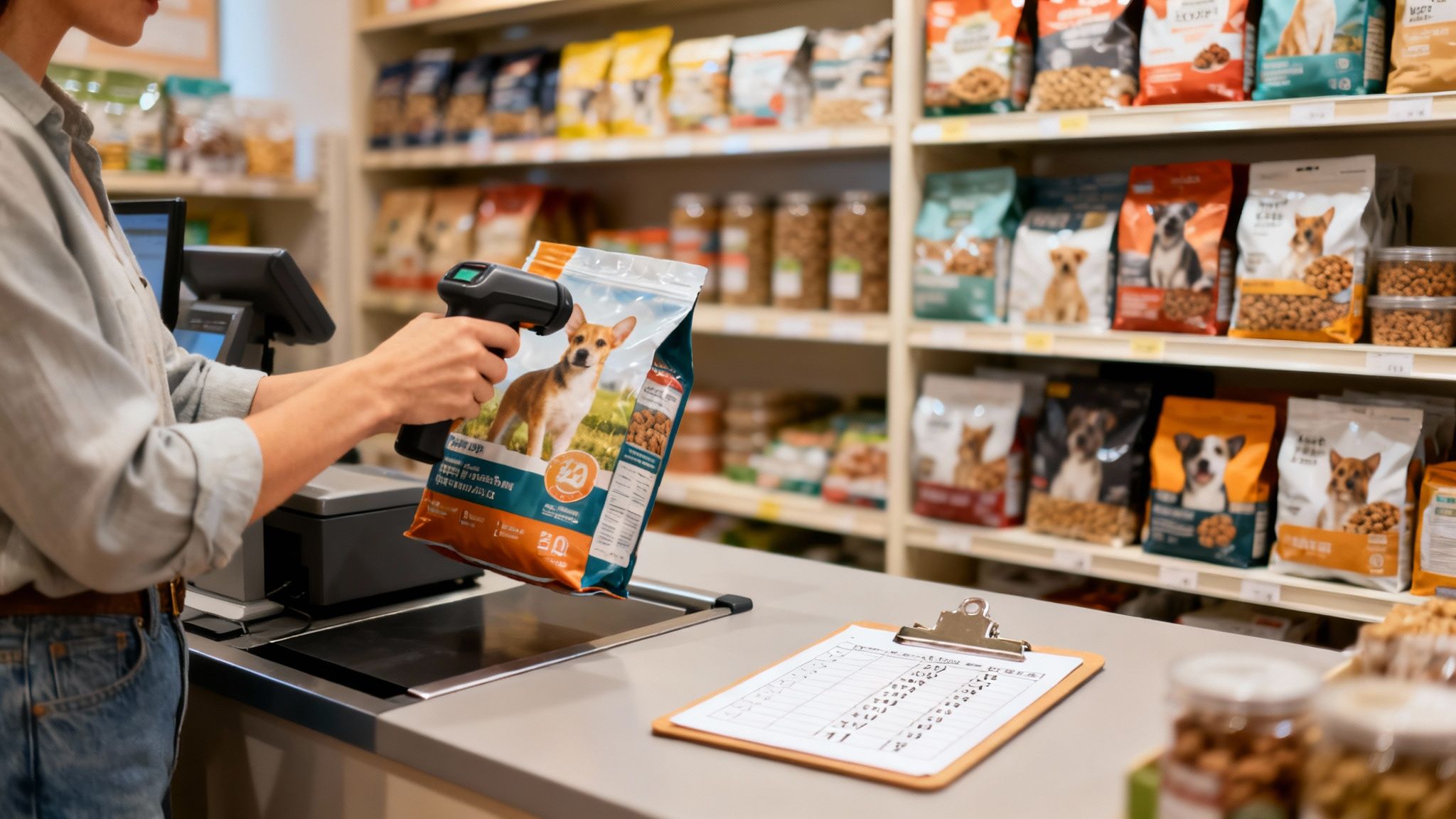
Walk into any pet store, and you’ll see an inventory with variation. A single brand of dog food can come in dozens of varieties based on flavor, formula (like grain-free, puppy, or senior), and bag size. Trying to keep track of that manually is a losing battle.
A generic POS often forces you to enter every single variation as a separate product. This creates a cluttered, unmanageable database and makes it almost impossible to see how a product line is performing as a whole.
A system designed for pet retailers handles this with a simple matrix. You have one base product with multiple attributes, like size and flavor. This structure gives you an overview of sales trends, showing you exactly which variations are flying off the shelves and which are collecting dust. That kind of insight is valuable for making purchasing decisions that match what your customers want.
Across all retail sectors, the demand for checkout solutions is climbing. The global POS system market is projected to grow from US$82,130 million in 2025 to US$157,950 million by 2031. This surge underscores the need for systems that can meet both general and specific challenges. You can read more about POS market trends on Infinity Market Research. For niche retailers, the message is clear: find an affordable system with the specialized tools you need to not just compete, but thrive.
Planning a Smooth POS System Migration
Switching to a new point of sale system is a project. With planning, it can be an upgrade instead of a headache. The right approach transforms what could be a disruptive change into a path toward making your business run better.
Think of it like moving to a new house. You wouldn’t just toss everything into random boxes. You’d label everything, figure out where the furniture goes, and make sure the lights are on before the moving truck shows up. Migrating your business data to a new POS requires that same level of care and preparation.
Preparing Your Business Data
First, you need a data audit. Before you can move anything, you have to know what’s coming with you. This step is the foundation for a clean start on your new system.
A good vendor, especially one focused on affordable point of sale systems, should give you clear instructions on how to export info from your old software. Usually, this means pulling a few specific reports and saving them in a universal format, like a spreadsheet.
Here’s the key data you’ll need to get ready for export:
- Customer Lists: This is your goldmine—names, contact info, and any purchase history or loyalty status.
- Inventory Data: Every single product, SKU, supplier detail, and current stock count needs to be accounted for.
- Vendor Information: You’ll need a complete list of your suppliers and their contact details to keep purchase orders flowing.
Don’t rush this part. Getting your data clean and organized now will make importing it into the new POS faster and more accurate. It’s the prep work that prevents problems down the line.
Onboarding and Staff Training
Once your data is ready to go, the focus shifts to setting up the new hardware and training your team. A vendor that offers dedicated onboarding support is worth its weight in gold here. Look for providers that offer US-based assistance—it makes a difference when you need help during your business hours.
A smooth migration comes down to the support you get. When a vendor walks you through the setup and provides one-on-one training for your team, it minimizes downtime and builds staff confidence right from day one.
Training shouldn’t be a one-time presentation. Your team needs to get their hands on the new system and feel comfortable with it before it goes live. A great way to do this is by running mock transactions, practicing inventory lookups, and going through opening and closing procedures in a test environment.
This hands-on experience ensures your staff feels ready and capable when you flip the switch. When your team is confident, the transition is seamless for your customers.
Your Checklist for Evaluating POS System Vendors
Choosing an affordable point of sale system is like picking a business partner, not just buying software. Due diligence up front can save you headaches and expose the cost and value a vendor offers. Arming yourself with the right questions before you jump into a product demo is the best way to get the clarity you need to make a decision.
Think of it like you’re interviewing someone for a key role in your company. You’d never hire them based on their resume alone. You need to dig deeper to see how they’ll perform day-to-day and how they’ll support your team when things get tricky. A few targeted questions can reveal everything you need to know about a vendor’s transparency and commitment.
Questions About Cost and Contracts
The price tag is more than a monthly fee; it’s the total cost of everything required to get the system running. Your goal is to find a provider with a straightforward and predictable cost structure. No one likes surprises that blow up the budget.
- What is the total monthly cost? Get a complete, itemized breakdown. This should include software fees, payment processing rates, and any extra charges for support or additional registers.
- Are there long-term contracts? You need to know if you’re committing to a multi-year term. Ask point-blank what the penalties are for early cancellation.
- What are the payment processing fees? Pin down their rates. A crucial follow-up is asking if you’re locked into their in-house processor or if you have the freedom to shop around for better rates.
Questions About Support and Onboarding
The quality of a vendor’s support can make or break your experience with a new POS. A vendor that’s invested in your success from day one is more likely to be a reliable partner when you need them. A smooth onboarding process minimizes downtime and gives your staff the confidence to use the new system effectively.
Choosing a vendor is about more than a list of software features. Finding a provider that acts as a true partner is crucial for long-term success. For more on this, see our guide on what makes the best business software provider.
Questions About Scalability and Integrations
Your business is going to grow and change, and your POS system needs to be able to keep up without forcing you to start over. An affordable point of sale system should support your growth, not hold it back.
- How does the system scale? Ask them about the process and costs for adding new features, employees, or even new locations in the future.
- Does it integrate with my ecommerce platform? If you sell online, this is non-negotiable. Confirm the POS can sync inventory and orders seamlessly, without tacking on extra gateway fees.
- What other software does it connect with? Find out about integrations for the other tools you rely on to run your business, like your accounting or marketing software.
Your Top POS System Questions, Answered
Jumping into the world of affordable point-of-sale systems brings up a few questions. We hear them all the time from business owners like you. Let’s tackle some of the most common ones to clear up any uncertainties you might have.
What’s the Real Monthly Cost for a Small Business POS?
It varies, but most small businesses should budget between $50 and $150 per month for their core software. This price typically gets you one register license and covers essentials like inventory management, sales reporting, and access to customer support.
But that’s the starting point. Costs can climb if you need to add more registers, open another location, or bolt on more tools for things like e-commerce or a customer loyalty program. Always ask for a detailed, itemized quote so you can see where your money is going.
Can I Use My Own Hardware with a New POS?
In many cases, yes. Modern cloud-based POS software is often built to work with common hardware you probably own, like iPads, USB barcode scanners, and thermal receipt printers. This flexibility can be a money-saver, potentially saving you hundreds or even thousands out of the gate.
But here’s the catch: compatibility isn’t a given. Before you sign, you have to confirm that your hardware is supported. Any reputable vendor will have a list of compatible devices. Checking this list is a non-negotiable step in finding a genuinely affordable point-of-sale system and avoiding surprises.
The ability to use existing hardware is one of the biggest cost-saving moves you can make. Verifying compatibility with a vendor before signing a contract is critical to prevent unforeseen expenses and ensure a smoother setup. A system that works with your current gear lowers the barrier to entry significantly.
How Long Does It Really Take to Switch to a New POS System?
The process can take anywhere from a few days to a few weeks. The timeline depends on two things: how complex your business is and the support from your new vendor. A provider that offers dedicated, one-on-one onboarding can speed things up.
The steps that affect your timeline are:
- Data Migration: Pulling your customer lists and inventory data out of the old system and getting it into the new one.
- Hardware Setup: Physically installing and connecting all your terminals, printers, and scanners.
- Staff Training: Getting your team comfortable with the new software so they can ring up sales and manage inventory without a hitch.
A planned switch, guided by an experienced support team, makes all the difference. It ensures a transition with minimal disruption to your daily operations, making the entire process manageable and efficient.